
As an Amazon Influencer, we earn from qualifying purchases you might make if you click any of the links or buttons on this page.
Last reviewed: September 25, 2026
The RX 9070 XT is fast enough that CPU choice matters.
It is not so fast that every owner needs a flagship gaming processor.
That distinction matters because huge CPU gaps in 1080p low-setting benchmarks can make a perfectly sensible 1440p or 4K CPU look inadequate.
The right processor depends much more on:
- your resolution,
- your refresh-rate target,
- the games you actually play,
- and whether the PC also performs serious CPU work.
For a typical gaming-first RX 9070 XT system, I want enough CPU headroom to handle demanding titles without spending hundreds of dollars for performance that disappears once the GPU becomes the limit.
That is why the current sweet spot is the Ryzen 7 7700X3D— provided it remains meaningfully cheaper than the 7800X3D.
Before choosing anything, use the Monitor Match Calculator and PC Bottleneck / Balance Calculator to think in terms of resolution and workload rather than one universal bottleneck percentage.
Best CPUs for RX 9070 XT in 2026
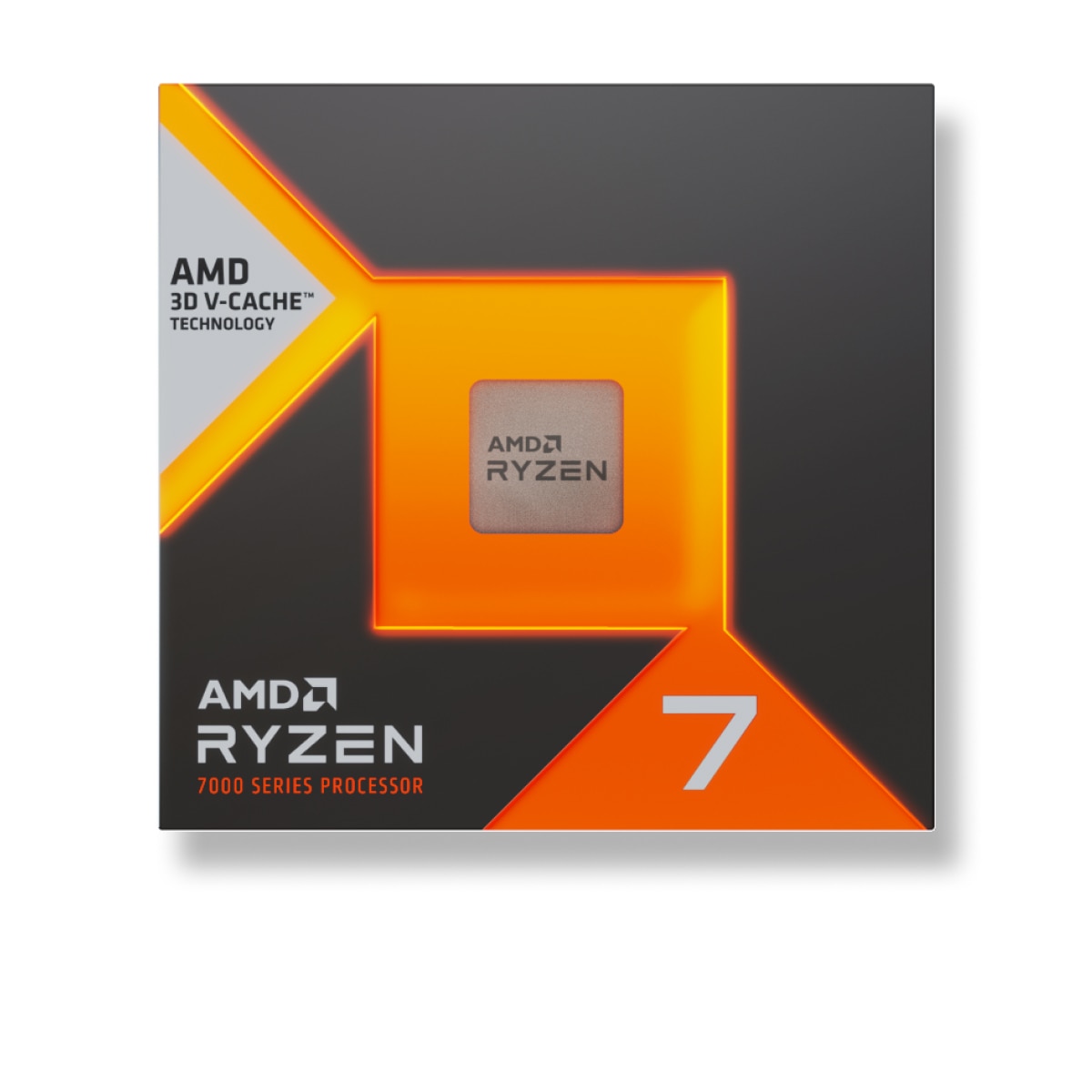
AMD Ryzen 7 7700X3D
Eight Zen 4 cores plus 96MB of L3 cache give the RX 9070 XT excellent gaming headroom without paying current flagship-X3D prices.
- 8 cores / 16 threads
- 96MB L3 cache
- Up to 4.5GHz
- AM5 / 120W
- Main catch: buy the 7800X3D instead if the gap falls below ~10%
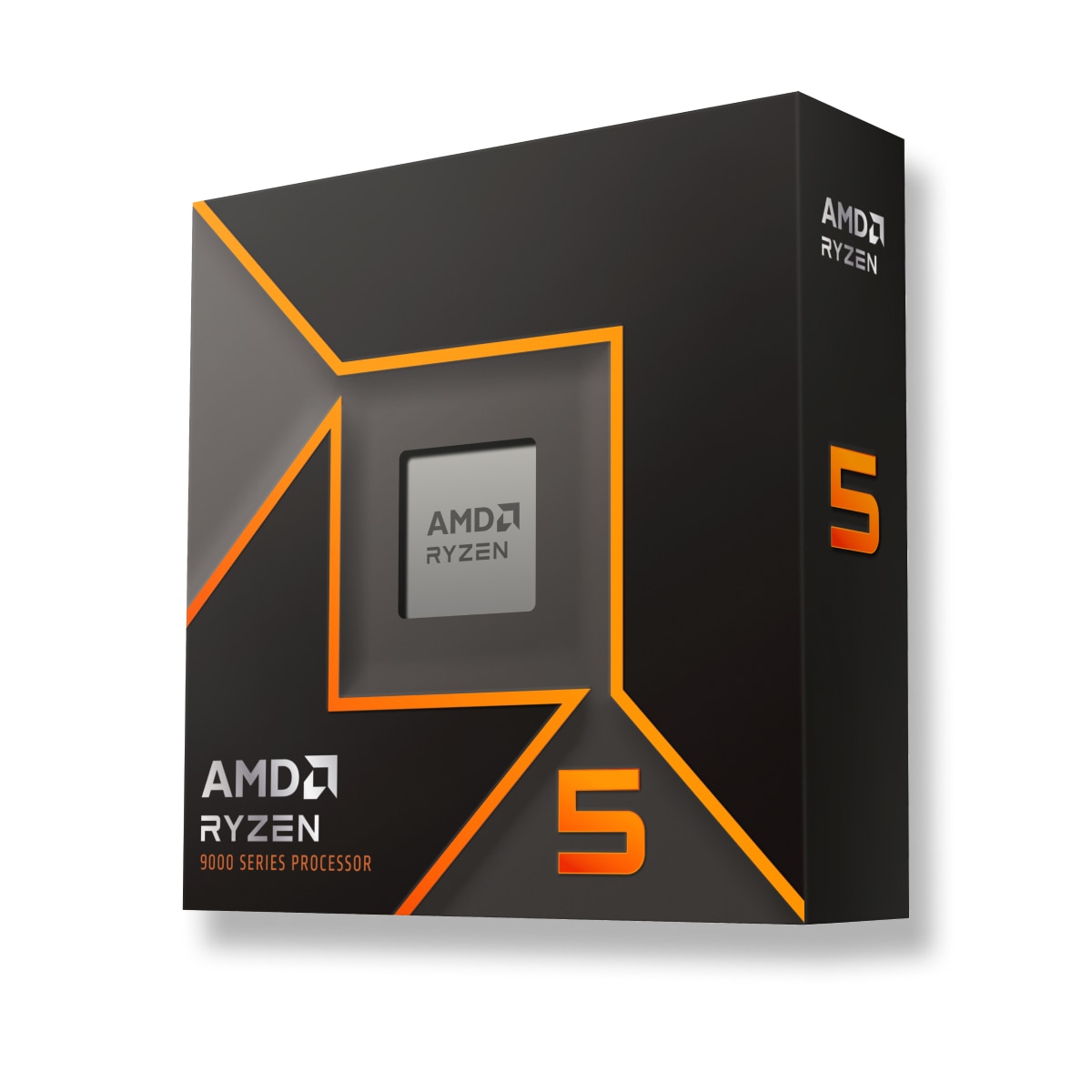
AMD Ryzen 5 9600X
The CPU I would start with when the RX 9070 XT build is mainly for 1440p High/Ultra or 4K and saving platform money matters.
- 6 cores / 12 threads
- Up to 5.4GHz
- 65W TDP
- AM5 upgrade path
- Main catch: less headroom in CPU-heavy / very-high-FPS gaming
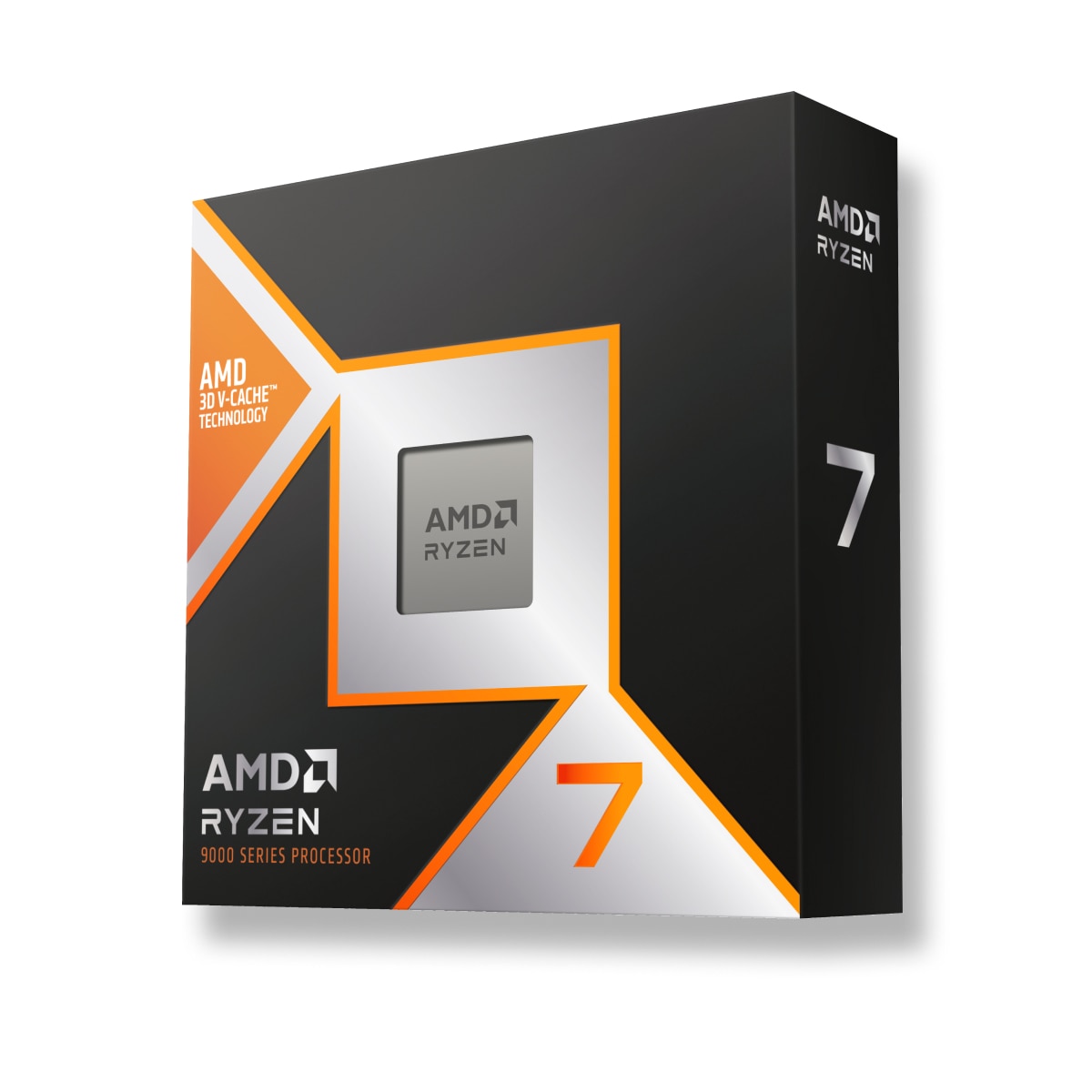
AMD Ryzen 7 9800X3D
Pay for it when the CPU really matters: competitive high refresh, simulation, strategy, MMOs or other CPU-heavy games.
- 8 Zen 5 cores / 16 threads
- 96MB L3 cache
- Up to 5.2GHz
- AM5 / 120W
- Main catch: unnecessary for many GPU-heavy 1440p/4K builds
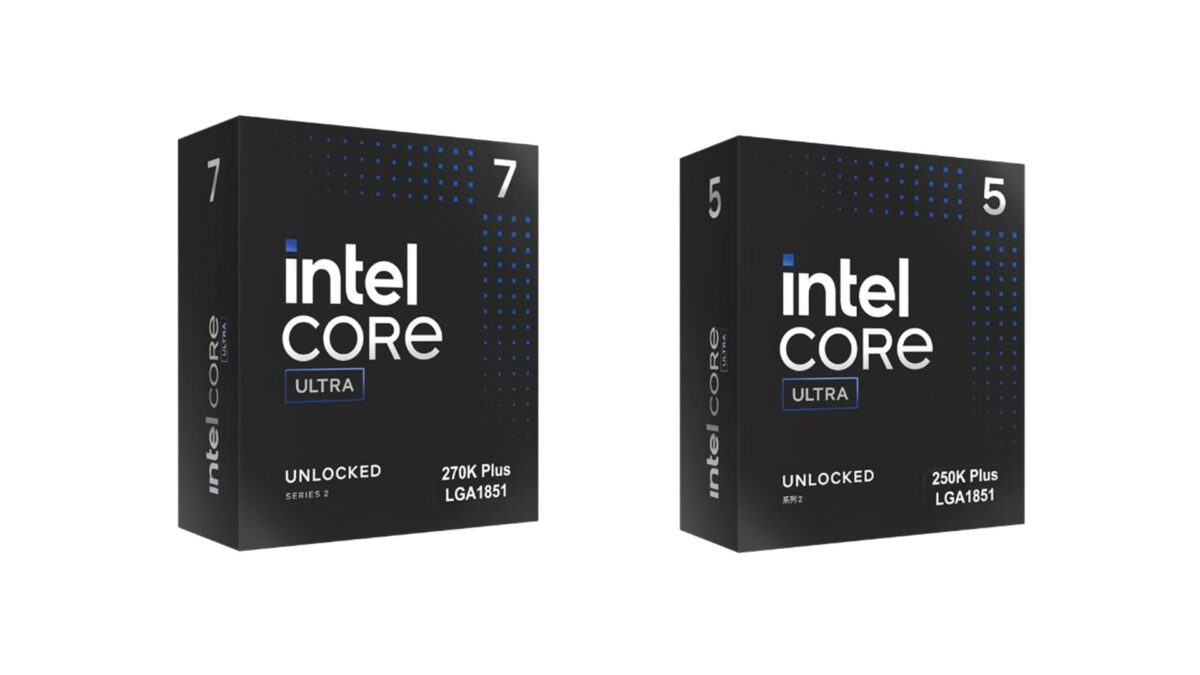
Intel Core Ultra 7 270K Plus
The specialist choice when the system also spends serious time rendering, compiling, encoding or doing other heavily threaded work.
- 24 cores: 8 P + 16 E
- 24 threads
- Up to 5.5GHz
- 125W base / 250W max turbo
- Main catch: slower gaming and a dead-end LGA1851 platform
RX 9070 XT CPU comparison
Swipe → to see the full comparison
| CPU | Cores / Threads | Platform | Best use with RX 9070 XT | Recent U.S. CPU price | Main catch |
|---|---|---|---|---|---|
| Ryzen 7 7700X3D | 8 / 16 | AM5 | Best overall at current pricing | About $329 | 7800X3D is faster; compare price every time |
| Ryzen 7 7800X3D | 8 / 16 | AM5 | Faster Zen 4 X3D alternative | Highly variable | Only worth the premium when price gap is small |
| Ryzen 5 9600X | 6 / 12 | AM5 | Budget 1440p / 4K | About $200 | Less CPU-heavy / high-refresh headroom |
| Core Ultra 5 250K Plus | 18 / 18 | LGA1851 | Budget alternative / productivity | About $220 | Dead-end socket |
| Ryzen 7 9800X3D | 8 / 16 | AM5 | 240–360Hz / CPU-heavy gaming | About $439 | More CPU than many 1440p/4K builds need |
| Core Ultra 7 270K Plus | 24 / 24 | LGA1851 | Gaming + heavy threaded work | About $310–$330 | Gaming trails X3D; socket has little upgrade runway |
| 5800X3D 10th Anniversary | 8 / 16 | AM4 | Existing AM4 upgrade | About $350 | Do not build a new AM4 system around it |
Prices above are recent U.S. snapshots, not permanent price targets.
CPU pricing has been unusually volatile in 2026, so use the price-gap rules in this guide rather than treating any dollar figure as permanent.
Do not choose the CPU from a 1080p benchmark alone
The closest useful controlled scaling test comes from TechSpot’s Ryzen 7 9800X3D versus Ryzen 5 7600X CPU/GPU scaling test .
That test uses the RX 9070, not the RX 9070 XT.
So the numbers should be treated as a directional guide, not exact RX 9070 XT percentages.
The XT is faster, which means it can expose somewhat more CPU limitation, but the basic behavior is the important part.
Four-game average at 1440p Ultra
With the RX 9070, the 9800X3D was only about 3% faster than the 7600X across TechSpot’s four-game average.
That is a huge change from CPU-focused testing with an RTX 5090.
Once the graphics card is carrying enough of the workload, a much cheaper CPU can deliver almost the same frame rate.
But Space Marine 2 still showed a 13% gap
The problem with one average is that CPU-heavy games do not disappear.
In Warhammer 40,000: Space Marine 2 at 1440p Ultra, the 9800X3D was still 13% faster than the 7600X with the RX 9070.
At 1440p Medium, the difference was even larger.
This is the rule for the RX 9070 XT
GPU-heavy 1440p/4K games: a good midrange CPU can be enough.
240Hz esports / simulations / CPU-heavy games: the X3D premium becomes much easier to justify.
Mixed game library: an eight-core X3D chip is the comfortable middle ground.
1. Ryzen 7 7700X3D — best overall at current pricing
This recommendation is driven by current price versus actual performance.
AMD specifies the Ryzen 7 7700X3D with:
- 8 Zen 4 cores,
- 16 threads,
- 96MB L3 cache,
- 4.0GHz base clock,
- up to 4.5GHz boost,
- 120W default TDP,
- and Socket AM5.
In other words, it is essentially a lower-clocked member of the same gaming-focused family as the 7800X3D.
How much performance do you give up?
TechSpot’s 13-game Ryzen 7 7700X3D review found the 7700X3D:
- about 7% behind the 7800X3D in more CPU-limited testing,
- and about 4% behind when higher-quality settings shifted more work onto the GPU.
That second figure is particularly relevant to an RX 9070 XT used at 1440p High/Ultra or 4K.
The price rule is more important than the CPU name
TechSpot concluded that the 7700X3D becomes worth considering when it costs at least 10% less than the 7800X3D.
During this late-September 2026 refresh, the 7700X3D is selling around $329, while current boxed 7800X3D listings can be substantially higher.
That puts the 7700X3D on the correct side of its own value rule today.
Check the 7800X3D immediately before buying
7800X3D pricing changes constantly.
If a normal retail 7800X3D with comparable warranty is less than roughly 10% more, buy the faster 7800X3D instead.
If the 7700X3D saves 15–20% or more, I would keep the savings.
One current availability caveat
In North America, the 7700X3D launched as a Newegg exclusive through Q3 2026.
That exclusivity is relevant at the time of this September 25 refresh, but broader Q4 availability could change both price and where the CPU is sold.
AM5 is part of the value
AMD has officially extended Socket AM5 support through 2029 .
That does not guarantee every future CPU will work in every existing motherboard, but it gives a new AM5 system a much clearer upgrade path than a dead-end platform.
Ryzen 7 7800X3D — buy it when the price gap is small
The 7800X3D remains an outstanding match for the RX 9070 XT.
It is still the faster Zen 4 X3D option.
What changed is the pricing around it.
You get:
- 8 cores / 16 threads,
- 96MB L3 cache,
- boost clocks up to 5.0GHz,
- Socket AM5,
- and the same fundamental 3D V-Cache gaming advantage.
When I would choose it over the 7700X3D
If the 7800X3D costs:
- 0–5% more: buy the 7800X3D,
- 5–10% more: I still lean 7800X3D for a high-end gaming build,
- 10–15% more: the 7700X3D starts making more sense,
- 15%+ more: take the cheaper 7700X3D unless your games are especially CPU-heavy.
This is exactly the kind of comparison where the recommendation can change without either processor changing at all.
2. Ryzen 5 9600X — best budget CPU
If this build is mainly for 1440p High/Ultra or 4K gaming, you can save a lot of money here.
AMD specifies the Ryzen 5 9600X with:
- 6 Zen 5 cores,
- 12 threads,
- up to 5.4GHz boost,
- 32MB L3 cache,
- 65W TDP,
- and Socket AM5.
Recent U.S. pricing has been around $200, which creates a very large gap between this and the X3D options.
Why a six-core CPU can still make sense with an RX 9070 XT
The GPU does not need the CPU to be equally expensive.
If the graphics card is already the limiting component at your chosen resolution and quality settings, more CPU cannot create additional GPU performance.
The TechSpot scaling data discussed earlier is the reason I am comfortable recommending this tier: at 1440p Ultra, CPU gaps can collapse dramatically in GPU-heavy games.
Where you will notice the compromise
The 9600X is not the pick I would make for:
- 240–360Hz gaming,
- competitive low settings,
- simulation-heavy games,
- large strategy games,
- very CPU-heavy multiplayer titles,
- or buyers trying to maximize 1% lows regardless of cost.
That is where an X3D processor earns its premium.
The budget rule
Do not buy the cheapest CPU that can boot with the RX 9070 XT.
Buy the cheapest complete platform that still fits how you play.
Ryzen 5 9600X vs Core Ultra 5 250K Plus
Intel’s Core Ultra 5 250K Plus deserves to be checked before ordering the budget AMD build.
Tom’s Hardware’s current head-to-head testing found the 250K Plus only about 1% faster in gaming overall.
For practical gaming purposes, that is a tie.
Intel crushes the 9600X in multithreaded work
The 250K Plus combines:
- 6 performance cores,
- 12 efficiency cores,
- 18 total threads,
- and much stronger heavily threaded application performance.
So if you render, encode, compile or perform other CPU-heavy work, the Intel part is much more interesting.
AMD wins the platform argument
The 9600X gives you:
- lower power consumption,
- inexpensive B650/B850 board options,
- and AM5’s longer upgrade path.
Intel’s LGA1851 platform is effectively at the end of its CPU upgrade cycle.
Current CPU prices slightly favor AMD
Recent listings have put:
- Ryzen 5 9600X around $200,
- Core Ultra 5 250K Plus around $220.
That means I would currently make the 9600X the default gaming choice.
But price the CPU + motherboard + DDR5 together.
If a discounted B860 bundle makes the complete Intel platform meaningfully cheaper, the 250K Plus becomes a very reasonable alternative.
3. Ryzen 7 9800X3D — best for 240Hz and CPU-heavy games
This is where I would spend more when CPU performance itself is part of the goal.
AMD specifies the Ryzen 7 9800X3D with:
- 8 Zen 5 cores,
- 16 threads,
- 96MB L3 cache,
- up to 5.2GHz boost,
- 120W TDP,
- and second-generation AMD 3D V-Cache.
Who should actually buy it?
- 240Hz or 360Hz monitor owners
- Competitive gamers reducing graphics settings to maximize FPS
- Simulation and racing-game players
- Strategy / factory / city-builder players
- MMO players in CPU-heavy scenes
- Anyone willing to pay extra to reduce CPU-limited outliers
Space Marine 2 shows why this category exists
The earlier TechSpot test is the perfect example.
Most 1440p Ultra games in its four-game RX 9070 sample showed almost no difference between the 9800X3D and 7600X.
Yet Space Marine 2 still produced a 13% gap.
If your library is full of games like that, buying the stronger CPU is not wasted money.
9800X3D vs 9850X3D
Do not automatically pay more for the newer chip.
Tom’s Hardware’s 16-game CPU-limited comparison measured the 9850X3D only 3.2% faster than the 9800X3D.
The faster chip also used substantially more gaming power.
Recent prices have been around:
- 9800X3D: roughly $439,
- 9850X3D: roughly $484.
At that gap, I would buy the 9800X3D.
My 9850X3D rule
If the 9850X3D is only around $20–$30 more, you can take the slightly faster chip.
If the premium is materially larger, the 9800X3D gives you nearly all the gaming performance for less money.
We cover that comparison separately in Ryzen 7 9800X3D vs 9850X3D .
Already own AM4? Do not rebuild automatically
This is one of the easiest places to overspend.
If your current PC uses:
- Ryzen 5 3600,
- Ryzen 5 5500,
- Ryzen 5 5600 / 5600X,
- or another older AM4 processor,
check whether the motherboard supports a Ryzen 7 5800X3D-class upgrade before replacing the board and DDR4.
The 5800X3D still has serious gaming performance
AMD reintroduced the chip in 2026 as the Ryzen 7 5800X3D 10th Anniversary Edition.
In TechSpot’s 13-game 2026 retest , the 5800X3D was:
- 31–34% faster than the Ryzen 5 5600X depending on test settings,
- roughly comparable overall to the modern Ryzen 5 9600X,
- and only 4–5% behind the Core Ultra 5 250K Plus on average.
Use the 5800X3D to extend AM4—not to start AM4
If you already own the motherboard and DDR4, a drop-in upgrade can be excellent value.
I would not build a brand-new AM4 system around a $350 5800X3D in 2026.
Already own a 5700X3D or 5800X3D?
Install the RX 9070 XT first.
At 1440p High/Ultra or 4K, you may find that the GPU is already doing enough work that a full platform replacement does not improve your actual experience enough to justify the cost.
Upgrade only after your own games show you what problem you are solving.
Our Best GPU Upgrades for AM4 guide goes deeper into this exact situation.
Before buying the CPU, verify BIOS support with the Motherboard Compatibility Tool .
Already own a strong LGA1700 CPU?
The same logic applies.
If you already have something like a strong 13th- or 14th-generation Core i7/i9, do not assume the RX 9070 XT requires a full CPU-platform rebuild.
Install the graphics card.
Measure:
- GPU utilization,
- frame rate,
- 1% lows,
- and the games where the GPU clearly is not being fully utilized.
Then decide whether a CPU upgrade is solving a real problem.
4. Core Ultra 7 270K Plus — best for gaming + heavy CPU work
If gaming is only one of the demanding things your PC does, the buying decision changes.
Intel officially specifies the Core Ultra 7 270K Plus with:
- 24 total cores,
- 8 performance cores,
- 16 efficiency cores,
- 24 threads,
- up to 5.5GHz boost,
- 125W base power,
- 250W maximum turbo power,
- and DDR5-7200 support.
The application performance is extraordinary for the price
In Tom’s Hardware’s multithreaded application testing , the 270K Plus finished only 1.2% behind the 16-core Ryzen 9 9950X in the aggregate.
That makes it extremely interesting for:
- rendering,
- CPU encoding,
- compilation,
- large code builds,
- content creation,
- and other highly threaded workloads.
Gaming is the tradeoff
In the same review series, Tom’s 17-game CPU-limited testing put the 270K Plus about 20% behind the 9800X3D.
That sounds enormous.
Remember what the RX 9070-class scaling tests show: that gap can shrink substantially when the graphics card becomes the limit at 1440p or 4K.
Who should buy Intel here?
You play at 1440p or 4K, but the PC also earns its keep doing workloads that can actually use 24 cores.
In that case, the application-performance gain can matter far more than the CPU-limited gaming FPS you give up.
The major downside is the platform
LGA1851 does not offer the same long-term CPU-upgrade path as AM5.
That bothers me less on a CPU with this much multithreaded performance than it does on a budget processor, but it is still part of the purchase.
What if you need both top-tier gaming and heavy workstation performance?
Then I would move to the Ryzen 9 9950X3D.
That gives you:
- 16 cores / 32 threads,
- 3D V-Cache for high-end gaming,
- and far stronger workstation throughput than an eight-core X3D processor.
It is expensive, but at least the extra money is buying a capability the smaller gaming CPUs do not have.
Do not automatically buy the 9950X3D2
Tom’s Hardware’s 17-game comparison measured:
- 9950X3D2: 211.3 FPS geomean,
- 9950X3D: 209.6 FPS.
That is less than a 1% average gaming difference.
The dual-cache design can help particular specialist workloads, but I would not pay a large premium for it just to pair a CPU with an RX 9070 XT.
Which CPU for which RX 9070 XT monitor?
Ryzen 7 7700X3D
The current sweet spot. Use the 7800X3D instead if its live price gets within roughly 10%.
Ryzen 7 9800X3D
The faster CPU is more useful when you are deliberately trying to expose CPU limits at very high frame rates.
Ryzen 5 9600X / Existing Strong CPU
4K pushes much more work onto the RX 9070 XT. Do not replace a good CPU just because extreme 1080p tests show a gap.
Ryzen 7 9800X3D
X3D cache and stronger CPU performance remain valuable even when the monitor resolution is high.
Core Ultra 7 270K Plus
Sacrifice some peak CPU-limited gaming performance for dramatically stronger multithreaded application throughput.
5800X3D-Class Upgrade
Keep the motherboard and DDR4 when the drop-in CPU upgrade gives you the gaming headroom you actually need.
What about the Ryzen 5 7600X3D?
It remains one of the most interesting value gaming CPUs when you can buy it at a good price.
The reason I do not make it the default recommendation in this guide is availability and pricing consistency.
In TechSpot’s latest 7700X3D testing, the 7700X3D was only a few percent faster than the 7600X3D.
So if you find a legitimate 7600X3D around the low-$200s with appropriate warranty, it can be an excellent RX 9070 XT pairing.
Just do not build the entire article’s recommendation around a regional or short-lived deal.
How much should you spend on the CPU relative to the GPU?
There is no useful fixed percentage.
A $200 CPU can make complete sense beside an RX 9070 XT at 4K.
A $440 X3D processor can make complete sense beside the same graphics card for 240Hz simulation or competitive gaming.
Spend according to the bottleneck you are trying to avoid.
Put the next $200 where it changes your experience
At 4K, that may be GPU, monitor or storage.
At 240Hz, it may genuinely be CPU.
For a mixed gaming/productivity workstation, it may be more CPU cores.
There is no universal CPU-to-GPU spending ratio that answers all three builds.
Which motherboard should you use?
If you choose one of the AM5 processors, you do not need a flagship X870E motherboard merely because the GPU is expensive.
A good B650 or B850 board can run:
- Ryzen 5 9600X,
- Ryzen 7 7700X3D,
- Ryzen 7 7800X3D,
- and Ryzen 7 9800X3D
without reducing gaming performance simply because the chipset costs less.
Buy X870/X870E when its extra USB4, storage or expansion features solve a real requirement.
See our B850 vs X870 vs X870E guide before overspending on the board.
If you choose the 9800X3D, we also have a dedicated Best Motherboards for Ryzen 7 9800X3D guide.
Do not forget CPU cooling
The Ryzen 5 9600X is easy to cool.
The eight-core X3D chips deserve a good tower cooler, but they do not automatically need an enormous 360mm AIO.
The Core Ultra 7 270K Plus can consume much more power under sustained all-core workloads, so its cooling requirement becomes substantially more important in a productivity-heavy system.
Use the CPU Cooler Compatibility Calculator before choosing the case and cooler.
For the high-refresh AMD choice, see: Best CPU Coolers for Ryzen 7 9800X3D .
Watch: Best CPUs for RX 9070 XT in 2026
The BC Zone video below explains the same central point: do not let extreme 1080p CPU benchmarks automatically talk you into overspending on the processor for a 1440p or 4K Radeon build.
Eight mistakes to avoid
- Choosing from an RTX 5090 1080p benchmark alone. That is deliberately designed to reveal CPU differences, not to reproduce an RX 9070 XT at 1440p Ultra.
- Assuming resolution eliminates every CPU limit. Space Marine 2 shows that CPU-heavy games can remain meaningfully CPU-bound at 1440p.
- Buying a 7800X3D without checking the 7700X3D price. The slower chip is only around 4–7% behind in current testing and can be much cheaper.
- Buying the 7700X3D when a 7800X3D sale closes the gap. At less than roughly 10% extra, I prefer the faster CPU.
- Paying for a 9850X3D automatically. Current CPU-limited testing shows only about a 3% average gaming advantage over the 9800X3D.
- Rebuilding a good AM4 PC before testing the RX 9070 XT. A 5700X3D/5800X3D-class CPU can remain an excellent 1440p or 4K partner.
- Ignoring complete platform cost. CPU, motherboard, DDR5 and cooler pricing matter more than the processor’s sticker price alone.
- Buying a gaming CPU for a workstation workload. If the machine spends hours rendering or compiling, a 270K Plus or 9950X3D can make far more sense than an eight-core gaming specialist.
Final verdict
What I would buy
Most gaming-first builds at current prices: Ryzen 7 7700X3D.
If the 7800X3D is within roughly 10%: buy the Ryzen 7 7800X3D instead.
Budget 1440p/4K: Ryzen 5 9600X.
240–360Hz / CPU-heavy gaming: Ryzen 7 9800X3D.
Existing AM4: check a 5800X3D-class drop-in upgrade before rebuilding.
Gaming + serious threaded work: Core Ultra 7 270K Plus.
Need high-end gaming and high-end workstation performance: Ryzen 9 9950X3D.
The RX 9070 XT is powerful enough to reward a fast CPU.
It is also slow enough relative to flagship GPUs that resolution can erase a surprising amount of the CPU hierarchy.
That is why I would not begin this build by asking:
“What is the fastest CPU?”
I would ask:
“How fast does the CPU need to be before my RX 9070 XT, monitor and games stop benefiting?”
For a normal 1440p gaming build, the 7700X3D/7800X3D class answers that question extremely well.
Spend down to the 9600X when GPU-heavy settings matter more than maximum CPU headroom.
Spend up to the 9800X3D when high-refresh or CPU-heavy gaming is actually why you are building the system.
More Best Motherboard Zone guides
RX 9070 or RX 9070 XT?
Check whether the faster GPU’s current price premium is actually worth paying.
Already on AM4?
Find out whether the CPU, GPU or entire platform should be upgraded first.
Building around the 9800X3D?
Choose the board by storage, USB, networking and form factor rather than VRM marketing.
9800X3D or 9850X3D?
See why a few percent of CPU-limited performance may not justify the premium.
Choosing an AM5 chipset?
Compare B850, X870 and X870E before paying for motherboard connectivity you will not use.
Gaming at 4K?
Compare the RX 9070 XT against the rest of the current value-focused 4K GPU market.
Check CPU/GPU balance
Estimate where resolution, settings and target FPS are likely to shift the limit between CPU and GPU.
Is your current CPU worth replacing?
Compare the CPU upgrade before committing to a new platform.
Check motherboard support
Verify socket, chipset and BIOS compatibility before ordering a CPU.
Match the build to your monitor
A 4K 120Hz system and a 1080p 360Hz system should not receive the same CPU recommendation.
RX 9070 XT CPU FAQ
What is the best CPU for RX 9070 XT in 2026?
At current late-September pricing, the Ryzen 7 7700X3D is my overall value pick. It provides eight cores, 96MB of L3 cache and gaming performance only a few percent behind the 7800X3D. If the 7800X3D gets within roughly 10% in price, buy the 7800X3D instead.
Is Ryzen 7 7800X3D good for RX 9070 XT?
Yes. It remains one of the strongest pairings for a gaming-first RX 9070 XT build. Its only problem in 2026 is that current 7700X3D pricing can make the slightly slower chip better value.
Is Ryzen 7 7700X3D good for RX 9070 XT?
Yes. TechSpot found it only about 4–7% slower than the 7800X3D depending on test conditions, which makes it particularly attractive when its price is at least 10% lower.
Is Ryzen 5 9600X enough for RX 9070 XT?
Yes for many 1440p High/Ultra and 4K builds. The compromise appears in CPU-heavy games, very-high-refresh gaming and situations where maximum 1% low performance matters.
Will Ryzen 5 9600X bottleneck RX 9070 XT?
It can in CPU-heavy or very-high-FPS scenarios. That does not mean the pairing is universally imbalanced. As resolution and graphics quality increase, the RX 9070 XT becomes more likely to be the limiting component.
Should I buy Ryzen 7 9800X3D for RX 9070 XT?
Buy it when you are targeting 240Hz or higher, using lower competitive settings, playing CPU-heavy games, or simply want to minimize CPU limitations. For normal GPU-heavy 1440p Ultra or 4K, it can be more CPU than you need.
Is Ryzen 7 9850X3D worth it over 9800X3D?
Usually not at a substantial premium. Tom’s Hardware measured only about a 3.2% gaming advantage in an intentionally CPU-limited test using an RTX 5090. If the two CPUs are almost the same price, the faster 9850X3D is reasonable.
Is 5800X3D enough for RX 9070 XT?
Yes, especially at 1440p and 4K. If you already own one, I would install the RX 9070 XT and test your actual games before replacing the whole platform.
Should I upgrade Ryzen 5 5600 before buying RX 9070 XT?
For 1080p high-refresh or CPU-heavy gaming, a CPU upgrade can make a large difference. For 1440p/4K, you may still get substantial value from the GPU first. If your AM4 board supports a 5700X3D/5800X3D-class CPU, check that path before moving to a new motherboard and DDR5.
Should I build a new AM4 system with 5800X3D in 2026?
No. The 5800X3D 10th Anniversary Edition makes the most sense as a drop-in upgrade for hardware you already own. For a completely new build, AM5 provides the clearer long-term platform.
Is Core Ultra 5 250K Plus better than Ryzen 5 9600X?
Gaming performance is effectively tied in current broad testing, while the Intel processor is dramatically faster in many heavily threaded applications. The 9600X uses less power and sits on the longer-lived AM5 platform. Compare complete CPU + motherboard + RAM cost.
Is Core Ultra 7 270K Plus good with RX 9070 XT?
Yes, especially for a 1440p/4K system that also does serious productivity work. It gives up some CPU-limited gaming performance to the X3D chips, but its heavily threaded application performance is exceptional for its price.
Which CPU is best for RX 9070 XT at 1440p?
The Ryzen 7 7700X3D is my current balanced recommendation. The 9600X is the budget choice, while the 9800X3D becomes more attractive for 240Hz gaming or unusually CPU-heavy titles.
Which CPU is best for RX 9070 XT at 4K?
For a gaming-only 4K system, a Ryzen 5 9600X can already make sense because the GPU carries much more of the workload. A 7700X3D provides extra CPU headroom without moving to current flagship pricing.
Which CPU is best for RX 9070 XT at 240Hz?
I would use the Ryzen 7 9800X3D. Very high frame-rate targets are where CPU differences are most likely to remain visible.
Do I need an eight-core CPU for RX 9070 XT?
No. A strong modern six-core processor such as the Ryzen 5 9600X can be enough, especially at GPU-heavy 1440p or 4K settings. Eight-core X3D chips provide more protection against CPU-heavy games and high-refresh targets.
Should I buy 9950X3D for RX 9070 XT?
Not for gaming alone. The Ryzen 9 makes sense when you also need high-end heavily threaded workstation performance. For a gaming-first build, a Ryzen 7 X3D processor is far more sensible.
Should I buy 9950X3D2 instead of 9950X3D?
Not for normal gaming. Tom’s Hardware measured less than a 1% average difference across 17 games. The newer dual-cache model should be bought only when a specific workload can exploit its second cache stack.
Does RX 9070 XT need an X870 motherboard?
No. The graphics card works perfectly well on appropriate B650, B850, X670 and other modern AM5 boards. Choose the motherboard based on CPU compatibility, storage, USB, networking and expansion requirements.
Is AM5 worth choosing in 2026?
For a new AMD build, yes. AMD has committed to Socket AM5 support through 2029, giving the platform significantly more potential upgrade runway than LGA1851. Exact future CPU support will still depend on the motherboard and BIOS.
Research and specification sources
- TechSpot — Ryzen 7 9800X3D vs Ryzen 5 7600X CPU/GPU Scaling
- TechSpot — Ryzen 7 7700X3D Review
- AMD — Ryzen 7 7700X3D Specifications
- AMD — Ryzen 7 7700X3D Launch and AM5 Support Through 2029
- TechSpot — Ryzen 7 5800X3D 10th Anniversary Edition Retest
- AMD — Ryzen 5 9600X Specifications
- Tom’s Hardware — Core Ultra 5 250K Plus vs Ryzen 5 9600X
- AMD — Ryzen 7 9800X3D Specifications
- Tom’s Hardware — Ryzen 7 9850X3D vs Ryzen 7 9800X3D
- Intel — Core Ultra 7 270K Plus Specifications
- Tom’s Hardware — Core Ultra 7 270K Plus Gaming Benchmarks
- Tom’s Hardware — Core Ultra 7 270K Plus Productivity Benchmarks
- Tom’s Hardware — Ryzen 9 9950X3D2 vs Ryzen 9 9950X3D

- RTX 5060 Ti 8GB vs 16GB: Which Should You Buy in 2026? - September 25, 2026
- Best CPUs for RX 9070 XT in 2026 - September 25, 2026
- RTX 5060 vs RX 9060 XT: Which Should You Buy in 2026? - September 23, 2026