
As an Amazon Influencer, we earn from qualifying purchases you might make if you click any of the links or buttons on this page.
The Ryzen 7 5700G may not be the newest chip on the market, but it continues to be a solid option for those on a budget, productivity-focused builds, and anyone looking to avoid the added cost of a discrete GPU.
While cooling the chip shouldn’t be much of a problem, it’s still important to choose a CPU cooler that matches or exceeds the peak TDP of the 5700G for effective heat management. The stock Wraith cooler included in the box can get the job done, but it’s far from ideal if you’re aiming for quieter operation or better thermals over the long run.
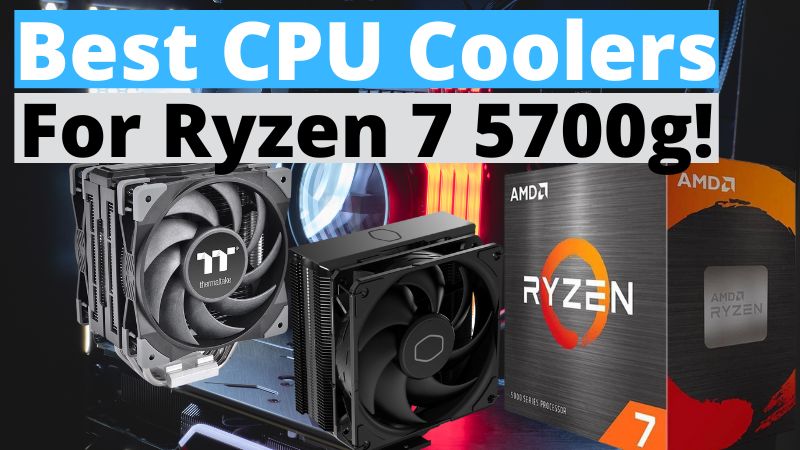
To help you get the most out of your Ryzen 7 5700G, I have rounded up the 2 best CPU coolers that pair well with this chip. Both of these coolers balance performance, low noise levels, value, and aesthetics.
So without further ado, let’s jump right in.
Our Top Picks
- Cooler Master Hyper 212 Black Edition – Best Budget CPU Cooler For Ryzen 7 5700g
- Thermaltake Toughair 510 – Our Top Choice
Things To Consider When Buying a CPU Cooler for the Ryzen 7 5700G
The Ryzen 7 5700G is an efficient APU with a modest 65W TDP, but that doesn’t mean every cooler is a perfect match. Choosing the right one ensures quieter operation, stable temperatures, and more consistent performance—especially if you plan to push the chip beyond stock settings. Here are the main points to keep in mind:
1. Cooling Capacity (TDP Rating)
- The stock Wraith cooler covers the basics, but a cooler with a 120–150W TDP rating gives more thermal headroom.
- This ensures better performance in long workloads and helps maintain boost clocks without thermal throttling.
2. Noise Levels
- Stock coolers often need high RPMs to keep up, which increases fan noise.
- Aftermarket coolers typically run quieter thanks to larger heatsinks, more efficient fans, and dual-fan setups.
3. Case Compatibility
- Check the cooler height against your case’s clearance specs to avoid fitment issues.
- Also, confirm that the cooler won’t block tall RAM modules or other motherboard components.
| Component | What to Check | Why It Matters |
|---|---|---|
| Cooler Height | Compare with case max height | Prevents side panel fit issues |
| RAM Clearance | Look at fan overhang and heatsink size | Ensures tall RAM modules fit |
| Motherboard Layout | VRM and PCIe slot positioning | Avoids blockages and better airflow |
4. Air vs. Liquid Cooling
- Air coolers are usually enough for the Ryzen 7 5700G, offering great performance and affordability.
- Liquid coolers (AIOs) are more about aesthetics and ultra-low noise, but they’re not strictly necessary for this chip.
5. Installation Process
- Some budget coolers use older mounting systems that can be fiddly.
- Look for models with tool-less or EZ-latch designs, especially if this is your first PC build.
6. Aesthetics
- Decide whether you want a minimalist design or RGB lighting.
- The 5700G is a budget-friendly CPU, so many builders prefer simple, performance-focused coolers without extra frills.
In short: For the Ryzen 7 5700G, a mid-range air cooler with a 120–150W TDP rating is the sweet spot. It keeps noise down, ensures stable performance, and fits most cases—all without overspending on unnecessary cooling power.