
As an Amazon Influencer, we earn from qualifying purchases you might make if you click any of the links or buttons on this page.
Searching for the best Motherboard for the Ryzen 9 9900X3D?
AMD’s latest 12-core Ryzen 9 9900X3D offers identical gaming performance to the 9800X3D while delivering much better multi-core performance. And since this is one of the most powerfull CPUs and supports overclocking, a motherboard with a robust power delivery system should be at the top of your checklist to get the most out of it.
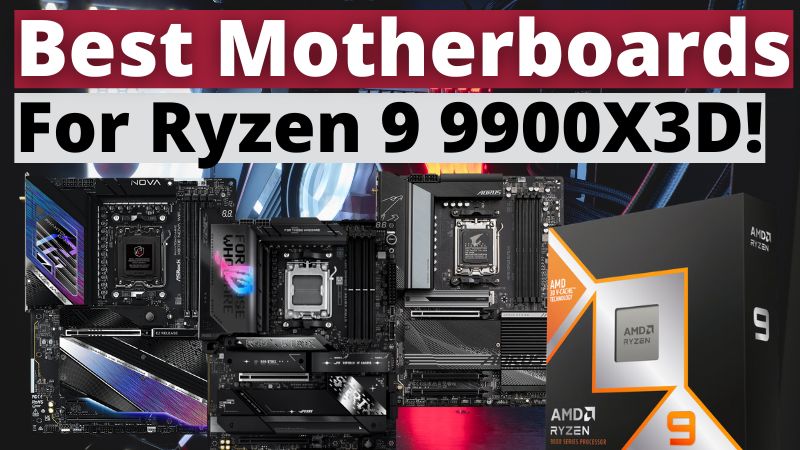
To help with that, I’ve done extensive research and testing to bring you the 3 best motherboards to pair with the Ryzen 9 9900X3D that balance performance, features, aesthetics, and value.
Before moving on make sure you check the following detailed tutorial on how to choose the best motherboard for you: How To Choose The Right Motherboard For Your Needs: A Comprehensive Guide
Our Top Picks
- GIGABYTE X670 AORUS Elite AX – Best Budget For Motherboard For Ryzen 9 9900X3D
- ASUS ROG Strix X870E-E Gaming WiFi – Best Premium Motherboard For Ryzen 9 9900X3D
- ASRock Phantom Gaming X870E Nova WiFi – Our Top Pick
Things To Consider When Buying a Motherboard for the Ryzen 9 9900X3D
Choosing the right motherboard for the Ryzen 9 9900X3D is not just about matching the socket. This CPU is powerful, supports overclocking, and benefits from high-speed memory and modern connectivity. Here are the most important factors to keep in mind before buying:
VRM Power Delivery
The Ryzen 9 9900X3D features 12 cores and 24 threads, which means it needs a stable and efficient power delivery system.
- Look for boards with high-phase VRM designs (16 phases or more recommended).
- Larger heatsinks and quality MOSFETs will keep temperatures under control during heavy loads.
Chipset Choice: B850 vs. X670 vs. X870
Not all chipsets are created equal, and the choice has a big impact on cost, performance, and future-proofing.
| Chipset | PCIe Support | USB Support | Best For |
|---|---|---|---|
| B850 | PCIe 5.0 for storage only | USB 3.2 Gen 2 | Budget to mid-range builds |
| X670 | PCIe 5.0 (storage only) | USB 3.2 | Balanced value builds |
| X870 | PCIe 5.0 (GPU + storage) | USB4 | High-performance and future-proof builds |
| X870E | Full PCIe 5.0 across GPU + multiple M.2 | USB4 | Enthusiast and overclocking builds |
Recommendation:
- Choose B850 if you’re on a tighter budget and don’t need top-tier features, but still want PCIe 5.0 storage and DDR5 support.
- Go for X670 if you want the best balance of price and performance — great VRMs, multiple M.2 slots, and stability for gaming and productivity.
- Pick X870 or X870E if you want maximum future-proofing, the latest USB4 connectivity, and more PCIe 5.0 lanes for both GPUs and NVMe drives. These are best for enthusiasts, creators, or those planning to upgrade components frequently.
Expansion and Storage
A high-performance CPU like the 9900X3D benefits from fast storage and plenty of expansion options.
- At least two or more PCIe 5.0 M.2 slots are recommended for NVMe SSDs.
- Look for reinforced PCIe slots for heavy GPUs.
Memory Support
This CPU thrives with fast DDR5 memory.
- Aim for DDR5 kits rated 7200MT/s+.
- EXPO support simplifies tuning for AMD platforms.
Connectivity
Modern motherboards bring premium connectivity options.
- Wi-Fi 7 and Bluetooth 5.4 are ideal for wireless setups.
- USB4 ports are a must if you work with high-speed external storage.
- At least one 2.5Gb LAN port is expected, with 5Gb LAN being a bonus on premium boards.
By focusing on these areas, you’ll ensure that your motherboard doesn’t just support the Ryzen 9 9900X3D but actually allows it to perform at its peak.
3 Best Motherboards For Ryzen 9 9900X3D Reviews
GIGABYTE X670 AORUS Elite AX – Best Budget Motherboard For Ryzen 9 9900X3D
Some might consider X670 motherboards to be irrelevant when it comes to the newer ryzen 9000 cpus with the introduction of the X870 and X870E. However, with how great of a value most X670 boards represent, that’s not the case. The Gigabyte X670 Aorus Elite is proof that a smaller number doesn’t always translate to a worse experience.
Sure, you get fewer PCIe 5.0 lanes for the graphics card and storage, but for the majority of gamers and traditional user