As an Amazon Influencer, we earn from qualifying purchases you might make if you click any of the links or buttons on this page.
Best Micro ATX AM5 Motherboards in 2026
The best Micro ATX AM5 motherboard is not automatically the newest or most expensive one. The right board depends on whether you need two or four M.2 drives, Wi-Fi 6E or Wi-Fi 7, 2.5GbE or 5GbE—and whether the money saved would buy a better graphics card.
The short answer
The ASUS TUF Gaming B850M-PLUS WiFi7 is the best choice for most people. Its three M.2 slots, rear 20Gbps USB-C, Wi-Fi 7, 2.5GbE, strong power design and unusually generous twelve rear USB ports create the best overall balance.
Choose the Gigabyte B650M AORUS Elite AX when it is meaningfully cheaper. It gives up PCIe 5.0 graphics and has only two M.2 slots, but neither compromise hurts a typical midrange gaming build.
Choose the MSI MAG B850M Mortar WiFi for premium connectivity. Its 5GbE, full 320MHz Wi-Fi 7, rear 20Gbps USB-C, three M.2 slots and ALC4080 audio give it the strongest practical I/O package here.
Quick picks

ASUS TUF B850M-PLUS WiFi7
The safest feature balance for a modern Ryzen 5, Ryzen 7 or X3D build.
Amazon affiliate link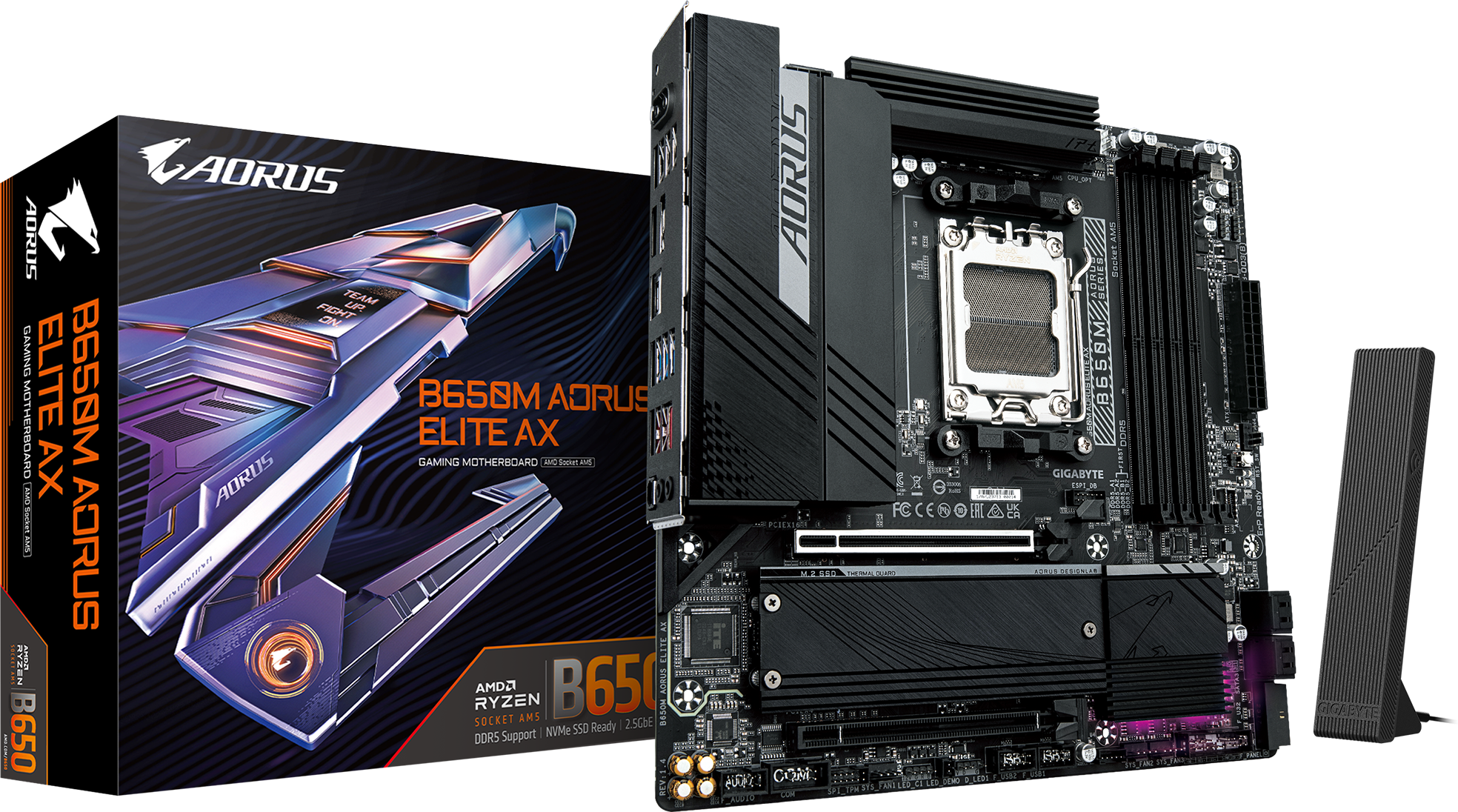
Gigabyte B650M AORUS Elite AX
The value pick when keeping money available for the GPU matters most.
Amazon affiliate link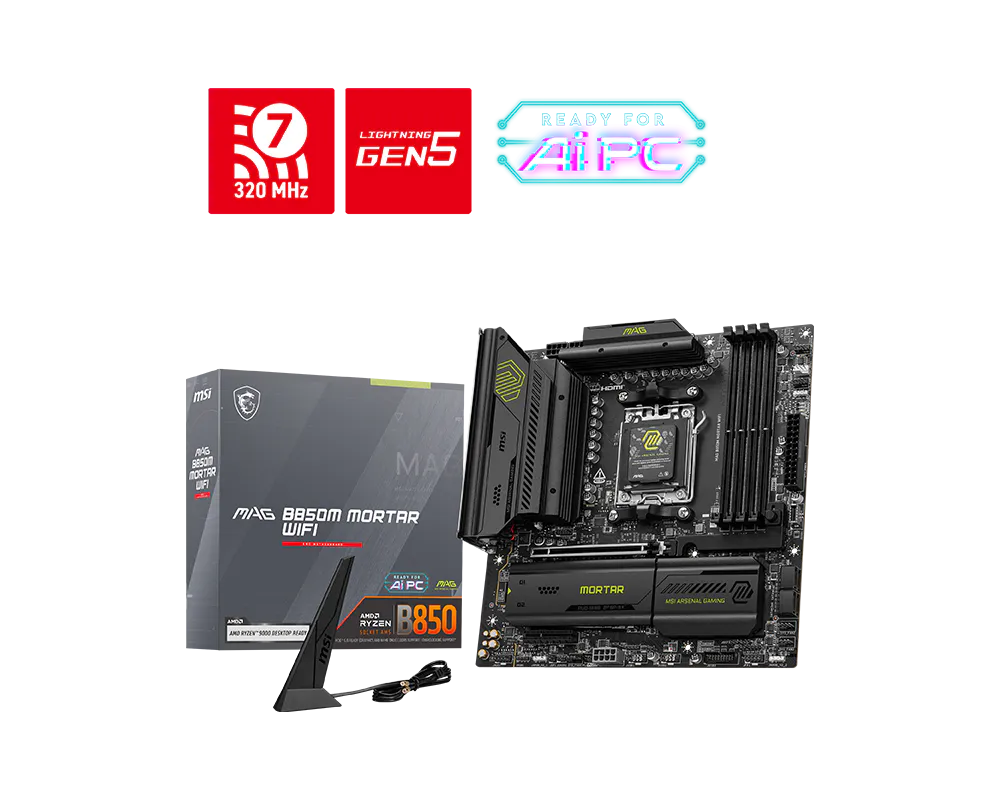
MSI MAG B850M Mortar WiFi
The strongest networking, storage and rear-I/O combination in this group.
Amazon affiliate linkBest Micro ATX AM5 motherboards compared
| Motherboard | Best for | GPU slot* | M.2 | Networking | Fastest rear USB-C |
|---|---|---|---|---|---|
| ASUS TUF B850M-PLUS WiFi7 | Most people | PCIe 5.0 x16 | 3: 1× Gen5, 2× Gen4 | Wi-Fi 7 160MHz, 2.5GbE | 20Gbps |
| Gigabyte B650M AORUS Elite AX | Budget value | PCIe 4.0 x16 | 2: 1× Gen5, 1× Gen4 | Wi-Fi 6E, 2.5GbE | 10Gbps |
| Gigabyte B850M AORUS Elite WiFi6E | Gaming value | PCIe 5.0 x16 | 2: 1× Gen5, 1× Gen4 | Wi-Fi 6E, 2.5GbE | 10Gbps |
| MSI MAG B850M Mortar WiFi | Networking and I/O | PCIe 5.0 x16 | 3: 2× Gen5, 1× Gen4 x2 | Wi-Fi 7 320MHz, 5GbE | 20Gbps |
| ASUS ROG Strix B850-G Gaming WiFi | Ryzen 9 / four SSDs | PCIe 5.0 x16 | 4: 1× Gen5, 3× Gen4 | Wi-Fi 7 160MHz, 2.5GbE | 20Gbps |
*PCIe generations shown for the primary graphics slot with a compatible Ryzen 7000 or 9000 desktop processor. Ryzen 8000 APUs can reduce slot generation or lane width depending on the exact CPU.
These boards do not create different frame rates by themselves
With the same CPU, GPU and properly configured memory, motherboard tier normally does not add useful gaming performance. Pay more for the ports, storage, networking, firmware tools and expansion layout you will actually use—not for an expectation of extra FPS.
Check compatibility before ordering
Micro ATX reduces board area, so GPU thickness, lower expansion-slot access, M.2 position and front-panel connections deserve more attention than they do in a roomy ATX build. Use our tools rather than guessing from model names.
Motherboard Compatibility Tool
Check CPU socket, DDR5, case size, Wi-Fi and the number of M.2 drives you plan to install.
Check motherboard compatibility →Case & GPU Fit Calculator
Check the case, graphics-card length and thickness before assuming a compact build preserves every expansion slot.
Check case and GPU fit →How these motherboards were selected
I compared the features that change how a compact AM5 PC can actually be built and upgraded:
- VRM design and heatsink coverage suitable for the intended CPU class;
- primary PCIe slot generation and the way Ryzen 8000 APUs change available lanes;
- the number, generation and physical position of M.2 slots;
- rear and internal USB-C speed;
- 2.5GbE versus 5GbE and Wi-Fi 6E versus Wi-Fi 7;
- BIOS FlashBack or Q-Flash Plus for safer CPU support updates;
- audio, rear-I/O count, SATA and fan headers;
- and whether the added features are worth taking money from the CPU or GPU.
Because motherboard pricing changes constantly, the ranking is also conditional. A strong B650 board can be the best budget buy one week and poor value the next if a B850 alternative falls close to it.
Detailed reviews
1. ASUS TUF Gaming B850M-PLUS WiFi7
The TUF B850M-PLUS WiFi7 is the most balanced board here rather than the winner of every individual specification. It supports Ryzen 7000, 8000 and 9000 processors, provides a PCIe 5.0 x16 primary slot with a Ryzen 7000 or 9000 CPU, and has three M.2 positions: one Gen5 x4 and two Gen4 x4.
The rear panel is unusually practical for Micro ATX. ASUS supplies twelve USB ports, including 20Gbps USB-C, three 10Gbps Type-A ports and four 5Gbps Type-A ports. The internal front-panel USB-C connector runs at 10Gbps. You also get BIOS FlashBack, rear Clear CMOS, Q-LED diagnostics and a preinstalled I/O shield.
Networking is 2.5GbE plus tri-band Wi-Fi 7, but note the fine print: this is a 160MHz Wi-Fi 7 implementation rather than the Mortar’s 320MHz solution. Full Wi-Fi 7 functionality also requires Windows 11 24H2 or later and compatible network hardware.
The ALC1220P audio codec is another quiet advantage over boards using an unspecified basic Realtek codec. None of this changes FPS, but it makes the board easier to live with over a long upgrade cycle.
Why buy it
- Best overall feature balance
- Three M.2 slots without obvious lane-sharing compromises
- Excellent rear USB count
- 20Gbps rear and 10Gbps front USB-C
- FlashBack and rear Clear CMOS
Reasons to skip it
- Not the cheapest AM5 entry point
- 2.5GbE rather than 5GbE
- Wi-Fi 7 limited to 160MHz
- Only one Gen5 M.2 slot
ASUS setup rule
ASUS’s earlier AM5 voltage and warranty messaging damaged trust. That history does not make this current board unusable, but it is a reason to install a current stable BIOS, confirm CPU support and avoid careless voltage settings before enabling EXPO or tuning.
Buy it if: you want a strong Ryzen 5, Ryzen 7 or X3D Micro ATX build without paying for high-end networking you may never use.
Skip it if: the B650 AORUS saves enough to improve your GPU, or you specifically need 5GbE and two Gen5 SSDs.
Amazon affiliate link2. Gigabyte B650M AORUS Elite AX
The B650M AORUS Elite AX is the budget pick for builders who want to save money without falling to a stripped board. With current revisions, it supports Ryzen 7000, 8000 and 9000 processors, four DDR5 DIMMs, Wi-Fi 6E, 2.5GbE, Q-Flash Plus and front-panel 20Gbps USB-C support.
The main graphics slot runs at PCIe 4.0 x16 with Ryzen 7000 and 9000 CPUs. That looks weaker than B850 on a table, but it is rarely a meaningful gaming limitation with current graphics cards. Storage is more important: you get one CPU-connected Gen5 x4 M.2 slot and one Gen4 x4 M.2 slot, plus four SATA ports.
Its rear USB selection is large, but the rear USB-C port itself is 10Gbps. The faster 20Gbps Type-C connection is an internal header, so your case must provide a compatible front port to use it.
Check the board revision
Gigabyte has sold several revisions of this model. Wireless modules, supported memory listings and other details can differ. Match the revision printed on the board or box to the correct specification, support and BIOS page instead of treating every B650M AORUS Elite AX as identical.
Why buy it
- Strong value when discounted
- Wi-Fi 6E and 2.5GbE included
- Gen5 primary M.2
- 20Gbps internal front USB-C header
- Q-Flash Plus for BIOS updates
Reasons to skip it
- Only two M.2 slots
- PCIe 4.0 graphics slot
- Rear USB-C is 10Gbps
- Revision differences require attention
Buy it if: it is clearly cheaper than the B850 boards and you would rather put that money into the GPU, SSD or cooler.
Skip it if: you expect to install three NVMe drives, or a B850M alternative costs only a little more.
Amazon affiliate link3. Gigabyte B850M AORUS Elite WiFi6E
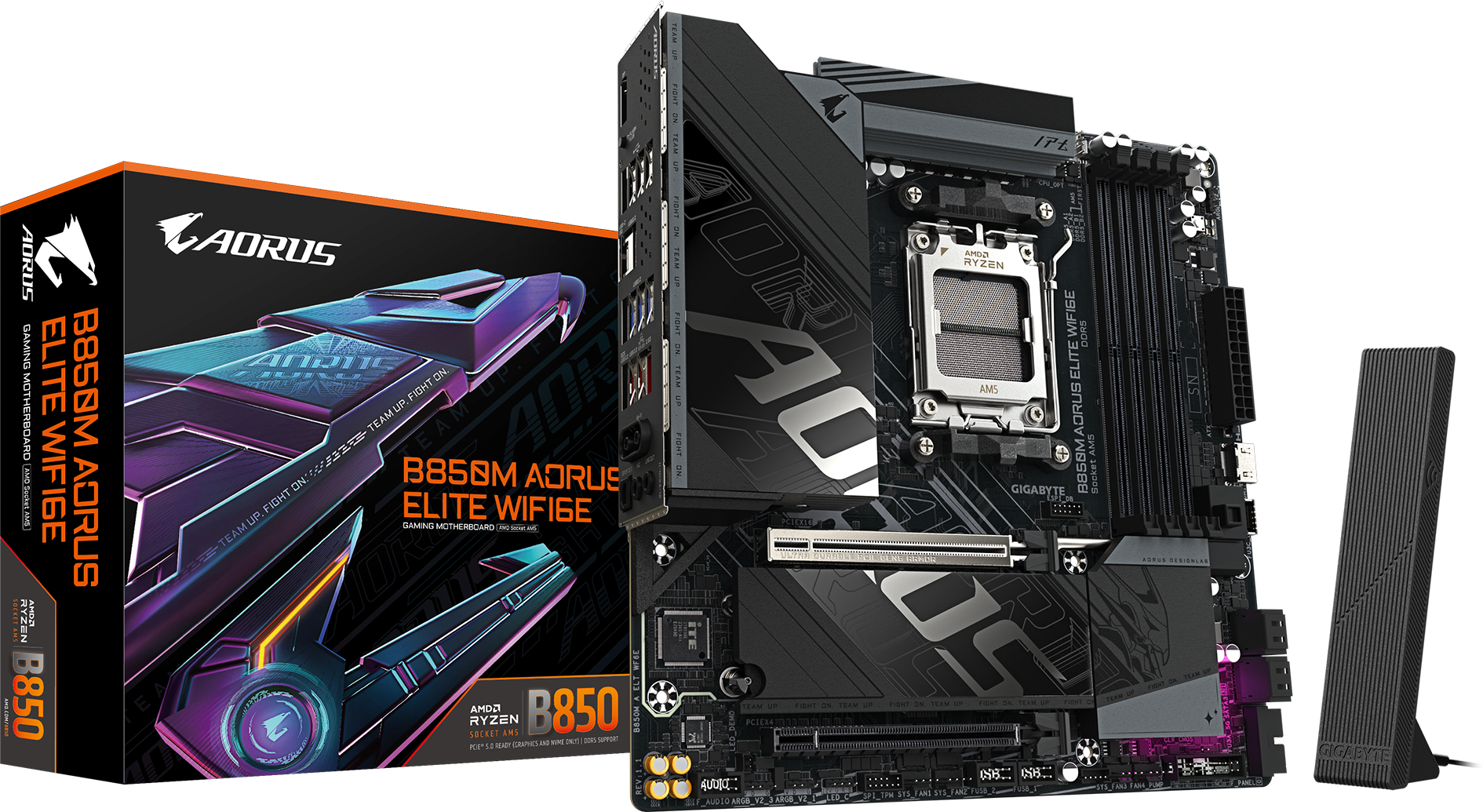
The B850M AORUS Elite WiFi6E is for a gaming build where you want the newer chipset and PCIe 5.0 graphics support without moving into premium networking or four-drive storage.
With Ryzen 7000 and 9000 CPUs, the primary GPU slot runs at PCIe 5.0 x16. The two M.2 sockets are one Gen5 x4 and one Gen4 x4. Networking remains Wi-Fi 6E and 2.5GbE, which is completely adequate unless your router, access point or wired network can use something faster.
Gigabyte gives the board rear 10Gbps USB-C and an internal 20Gbps Type-C header. It also has Q-Flash Plus, four SATA ports and a secondary physical x16 slot electrically limited to PCIe 3.0 x4.
The board does not make games faster than the B650 model simply because the chipset number is higher. Its value is the newer graphics interface, updated platform features and the fact that it may be priced close to older B650 boards.
Why buy it
- Useful B850 feature set without premium pricing
- PCIe 5.0 x16 primary graphics slot
- Gen5 M.2, Wi-Fi 6E and 2.5GbE
- 20Gbps front USB-C header
- Q-Flash Plus
Reasons to skip it
- Only two M.2 slots
- No Wi-Fi 7 or 5GbE
- Rear USB-C limited to 10Gbps
- Lower expansion slot is PCIe 3.0 x4
Buy it if: you are building a gaming PC and its price sits closer to the B650 AORUS than to the better-equipped TUF or Mortar.
Skip it if: the B650 version saves meaningful money, or you already know you need more than two M.2 drives.
Amazon affiliate link4. MSI MAG B850M Mortar WiFi
The B850M Mortar WiFi is the most complete connectivity board in this group. Its Realtek 5GbE controller is a real step above 2.5GbE when the rest of your wired network can use it, and its Wi-Fi 7 implementation supports 320MHz channels with compatible hardware and regional availability.
Storage is also stronger than most Micro ATX alternatives. M.2_1 and M.2_2 can both run at PCIe 5.0 x4 with Ryzen 7000 or 9000 processors. The chipset-connected third slot runs at PCIe 4.0 x2, so it has half the maximum link width of a normal Gen4 x4 slot—but it remains useful for an additional game or general storage drive.
The rear panel has 20Gbps and 10Gbps USB-C ports, three 10Gbps Type-A ports, four 5Gbps Type-A ports, Flash BIOS, Clear CMOS, optical S/PDIF and the 5GbE connection. MSI also uses the ALC4080 audio codec.
That makes the premium easy to explain, but not automatically worth paying. A gaming PC with one SSD, ordinary Gigabit internet and wired headphones will not become faster because the board supports 5GbE or two Gen5 drives.
Why buy it
- 5GbE plus full 320MHz Wi-Fi 7
- Two Gen5-capable M.2 slots
- Excellent rear USB selection
- ALC4080 audio and optical S/PDIF
- Flash BIOS and Clear CMOS buttons
Reasons to skip it
- Usually costs more
- Third M.2 slot is only Gen4 x2
- Premium networking requires matching equipment
- Overkill for a basic gaming build
Buy it if: you move large files, have fast local networking, want two Gen5-capable SSD positions or value a very complete rear I/O.
Skip it if: your PC uses one SSD and normal Ethernet, and the saving would produce a better GPU tier.
Amazon affiliate link5. ASUS ROG Strix B850-G Gaming WiFi
The ROG Strix B850-G is the premium compact choice when the build needs four M.2 positions or the rest of the component list already justifies a more expensive board.
Its storage layout includes one Gen5 x4 slot and three Gen4 x4 slots with Ryzen 7000 or 9000 CPUs. The fourth M.2 connector is on the underside of the motherboard, which is important during assembly: install that drive before mounting the board, and consider how your case affects airflow and future access.
You also get a PCIe 5.0 x16 graphics slot, rear 20Gbps USB-C, another rear 10Gbps USB-C port, internal 10Gbps front USB-C, Wi-Fi 7, Intel 2.5GbE, ALC1220P audio with a Savitech amplifier, optical S/PDIF, BIOS FlashBack, Clear CMOS and onboard diagnostics.
I would be comfortable placing a Ryzen 9 in this class of board when the case has strong airflow and the workload justifies the CPU. But Micro ATX does not cancel thermal reality: a high-core-count processor and large GPU inside a compact enclosure still need deliberate cooler and fan planning.
Why buy it
- Four M.2 slots
- Premium audio with headphone amplifier
- Two rear USB-C ports
- Strong firmware and DIY feature set
- Appropriate for a premium Ryzen 9 build
Reasons to skip it
- Most expensive recommendation
- Only 2.5GbE
- Fourth M.2 is underneath the board
- Most gaming builds do not need its extras
Buy it if: your compact Ryzen 9 gaming/productivity build needs four NVMe drives, premium audio and a richer board layout.
Skip it if: you use a Ryzen 5 or Ryzen 7 gaming CPU with one or two drives. The TUF or either Gigabyte can handle that job for less.
Amazon affiliate linkB650 vs B850 for a Micro ATX build
B850 does not increase gaming performance. Its practical benefit is a newer feature baseline, including PCIe 5.0 support for the primary graphics slot on these B850 models when paired with an appropriate CPU. B650 can still provide Gen5 M.2 storage, EXPO memory tuning, CPU overclocking, Wi-Fi 6E and fast USB.
Price is the advantage
A mature B650 board is meaningfully cheaper, has the M.2 and USB layout you need, and the saving improves another component. PCIe 4.0 x16 remains sufficient for a normal gaming build.
The total feature package is better
You want PCIe 5.0 graphics support, newer networking, a specific storage layout or better rear I/O—and the premium is reasonable.
What changes with Ryzen 8000 APUs?
Ryzen 8000 desktop APUs do not expose the same PCIe configuration as Ryzen 7000 and 9000 desktop CPUs. Depending on the exact APU, the primary graphics slot may operate at PCIe 4.0 x8 or x4, and M.2 slots can drop in generation or lane width.
This is a CPU limitation rather than a motherboard defect. If you plan to combine an 8500G, 8600G or 8700G with a powerful discrete GPU, verify the exact CPU-and-board lane table first.
How many M.2 slots do you actually need?
Two slots
Enough for most gaming PCs: one main 2TB drive and one future expansion drive. Both Gigabyte picks make sense here.
Three slots
Useful when separating games, creator files and a boot drive. The TUF and Mortar cover this cleanly.
Four slots
Worth paying for only when you expect to use them. The ROG Strix is the clear option, but its fourth slot is underneath.
Gen5 storage is optional
A good Gen4 NVMe SSD is already fast enough for a gaming PC. Do not choose a worse-value motherboard solely to obtain multiple Gen5 M.2 slots unless your workload can use the additional sequential bandwidth.
Wi-Fi 6E vs Wi-Fi 7
Wi-Fi 6E already gives compatible devices access to the less congested 6GHz band and remains sufficient for many homes. Wi-Fi 7 can add features such as Multi-Link Operation and wider 320MHz channels, but the benefit depends on the motherboard radio, operating system, router and local regulations.
- The TUF and ROG boards support Wi-Fi 7 with 160MHz channel width.
- The MSI Mortar supports Wi-Fi 7 at up to 320MHz.
- The two Gigabyte recommendations use Wi-Fi 6E.
- Full Wi-Fi 7 support generally requires Windows 11 24H2 or later.
If the PC sits next to a wired Ethernet connection, do not pay a large premium for Wi-Fi 7. If the PC is wireless, remember that a better antenna position and router placement can matter more than the standard printed on the box.
Micro ATX build mistakes to avoid
- Assuming a physical x16 slot runs at x16. Secondary full-length slots commonly operate at x4.
- Ignoring a thick GPU. A three- or four-slot graphics card can block the lower PCIe slot and make headers harder to reach.
- Counting M.2 slots without reading their speeds. The Mortar’s third slot is Gen4 x2; the ROG’s fourth slot is underneath.
- Buying Wi-Fi 7 without compatible networking equipment. The logo alone does not improve an older router.
- Using the wrong BIOS page. This matters especially on Gigabyte boards with multiple revisions.
- Pairing a hot Ryzen 9 with weak case airflow. Board VRM capability does not cool the CPU or GPU.
- Overspending on the motherboard. In a gaming build, a better GPU usually changes performance more.
Which board should you buy?
- Best for most people: ASUS TUF Gaming B850M-PLUS WiFi7.
- Best budget choice: Gigabyte B650M AORUS Elite AX—when clearly cheaper.
- Best gaming value: Gigabyte B850M AORUS Elite WiFi6E—when priced close to B650.
- Best connectivity: MSI MAG B850M Mortar WiFi.
- Best for Ryzen 9 or four M.2 drives: ASUS ROG Strix B850-G Gaming WiFi.
Related AM5 guides
- Best AM5 motherboards
- Best B650 motherboards
- Best motherboards for Ryzen 7 9800X3D
- Best motherboards for Ryzen 7 9850X3D
- Best motherboards for Ryzen 9 9950X
Micro ATX AM5 motherboard FAQ
What is the best Micro ATX AM5 motherboard?
The ASUS TUF Gaming B850M-PLUS WiFi7 is the best all-round choice for most builders because it combines three M.2 slots, strong rear USB, Wi-Fi 7, 2.5GbE, good audio and useful BIOS controls without moving fully into premium pricing.
What is the best budget Micro ATX AM5 motherboard?
The Gigabyte B650M AORUS Elite AX is the budget choice when it is meaningfully cheaper than B850 alternatives. It retains Wi-Fi 6E, 2.5GbE, a Gen5 M.2 slot and Q-Flash Plus.
Is Micro ATX good for AM5 gaming?
Yes. Micro ATX does not reduce gaming performance. It mainly provides fewer expansion positions than ATX, so confirm GPU thickness, M.2 count and header access.
Can a Micro ATX board handle a Ryzen 9?
A well-designed board with substantial VRM heatsinks can, but the case, CPU cooler and airflow must also suit the processor. The ROG Strix B850-G is the premium recommendation here for that type of build.
Is B850 better than B650?
B850 provides a newer platform baseline and PCIe 5.0 graphics support on the boards listed here, but it does not inherently add FPS. A discounted B650 board can still be the better value.
Do I need PCIe 5.0 for my graphics card?
No for most current gaming builds. A PCIe 4.0 x16 connection is not a practical reason to reject the B650 AORUS when it is significantly cheaper.
Do I need Wi-Fi 7?
No. Wi-Fi 6E remains adequate for most people. Wi-Fi 7 makes sense when you have a compatible router, current operating system and a wireless workload that can benefit.
How much RAM can these boards support?
All five boards provide four DDR5 DIMM slots and list support for up to 256GB, although achievable memory speed depends on the CPU, DIMM count and exact memory kit.
Should I use four DDR5 modules?
Use a matched two-module kit when possible, especially at higher EXPO speeds. Four modules place more stress on the memory controller and can require a lower memory speed.
Which board has the most M.2 slots?
The ASUS ROG Strix B850-G has four. The ASUS TUF and MSI Mortar have three, while both Gigabyte recommendations have two.
Specification references
Board specifications and CPU-dependent lane behavior were checked against the current manufacturer pages for the exact models and revisions described above.

- Best GPUs for Small Form Factor Builds in 2026 - August 27, 2026
- Best Mini-ITX AM5 Motherboards in 2026 - August 27, 2026
- Best Micro ATX AM5 Motherboards in 2026 - August 27, 2026